Evenli’s heating service has been updated, and the heating function has a fresh new look too.
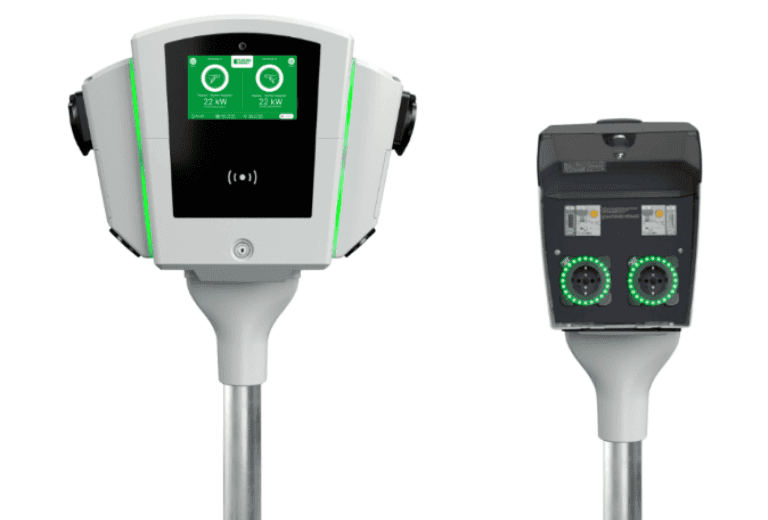
Heating is available on chargers that support the heating feature, and it works through the Evenli app. The heating function cannot be used with an RFID tag. If an RFID tag is attached to the cable, it must be removed for the duration of heating. The property owner, for example a housing company, sets the price for heating, if any, which the person heating can see in the Evenli app.
Quick guide to scheduling heating:
Plug in the heating cable.
Open the Evenli app and select “Menu” → “Heating schedule”.
Create either a one-off or a recurring schedule.
Select the socket by scanning the QR code or entering the charging/heating point identifier. If charging or heating is already running on the socket, the new schedule will not replace it.
Heating starts according to the schedule.
Heating ends automatically when the scheduled heating programme finishes, or when the cable is unplugged from the heater. You can also end a scheduled heating programme before it finishes under “Charging” → “End heating” in the app.
More information about Evenli’s heating service:
About us
Evenli Oy is a Finnish, hardware-independent EV charging operator with eight years of experience in the industry.
Evenli provides property owners, property managers and businesses with charging station operation regardless of manufacturer. The service supports over 200 charging station models from over 50 manufacturers.


